Blog how to?

How to Choose the Right Audio DAC: A Practical Guide

In today’s digital world, music is everywhere—on smartphones, laptops, streaming services, and gaming consoles. But while digital audio is convenient, it doesn’t always sound its best straight out of these devices. That’s where a DAC, or Digital-to-Analog Converter, comes in. Hifimastery will help you...

Choosing the right audio DAC can significantly improve sound quality, but with so many options available, it can be confusing. This guide will help you understand what a DAC does and how to choose the right one for your needs.

What Is a DAC and Why Does It Matter?

All digital music files (like MP3, FLAC, or streaming audio) are made of digital data—zeros and ones. However, speakers and headphones can only play analog signals. A DAC converts digital audio into analog sound that you can actually hear.

Every device with a headphone jack already has a built-in DAC, but these are often basic and limited by cost, size, and power constraints. A dedicated external DAC usually offers:

  • Better sound clarity and detail

  • Lower noise and distortion

  • Improved dynamics and stereo imaging

If you care about audio quality, a good DAC can make a noticeable difference.

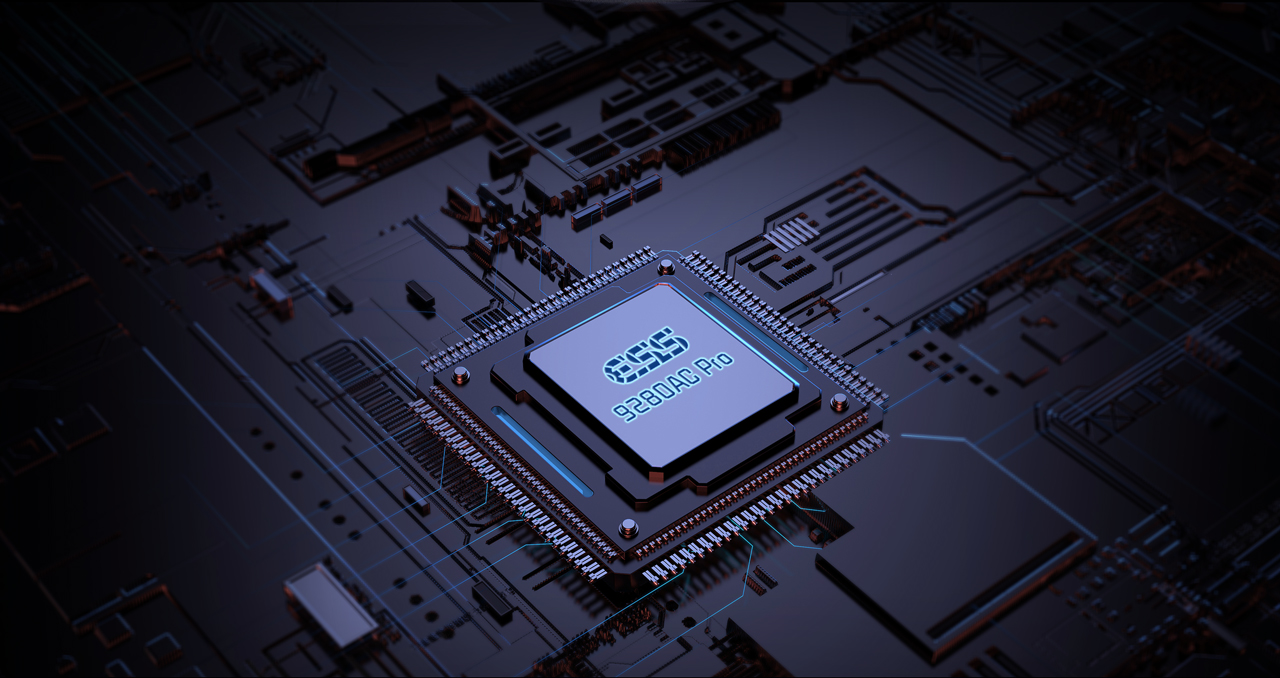
DAC Chip audio

1. Define Your Use Case

Before buying a DAC, think about how and where you’ll use it.

  • Desktop listening: A USB DAC for your PC or laptop is ideal.

  • Portable listening: A small, battery-powered DAC works well with smartphones.

  • Home audio system: A DAC with optical or coaxial inputs may be better.

  • Gaming: Look for low latency and good headphone amplification.

Your use case determines the size, power, and features you actually need.

2. Supported Audio Formats and Resolution

Modern DACs support a wide range of audio formats, but it’s still worth checking:

  • Sample rate and bit depth (e.g., 24-bit/96kHz or 32-bit/384kHz)

  • High-resolution formats like FLAC, ALAC, or DSD

Higher numbers don’t always mean better sound, but a DAC should at least match the quality of your music files.

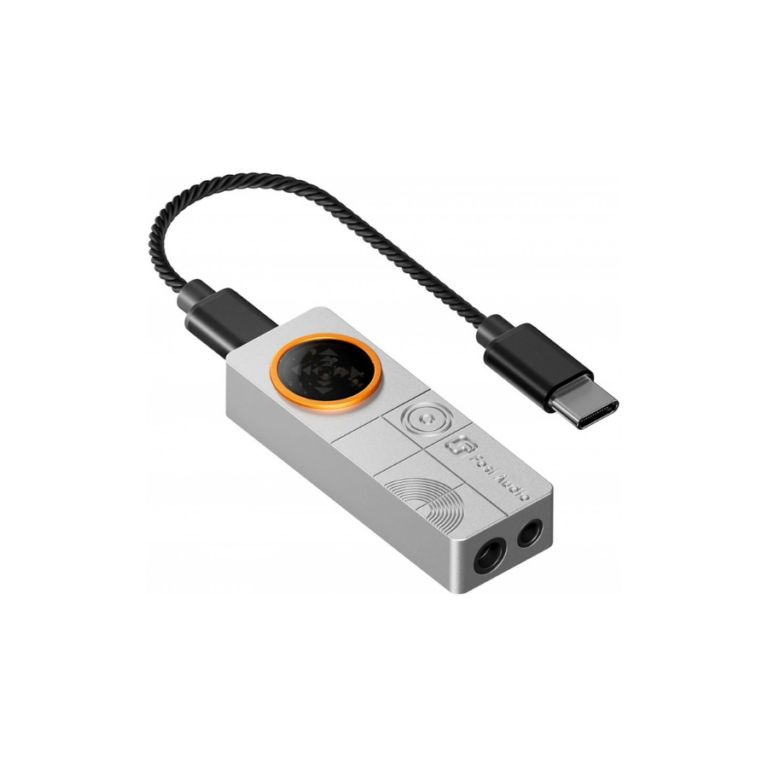
FOSI AUDIO DS3 DAC portable

3. Headphone Amplifier: Do You Need One?

Many DACs include a built-in headphone amplifier. This is important if you use:

  • High-impedance headphones

  • Planar magnetic headphones

If your headphones are easy to drive, a simple DAC may be enough. If not, look for a DAC/amp combo with sufficient output power.

4. Connectivity Options

Make sure the DAC works with your devices. Common connections include:

  • USB (most common)

  • Optical (TOSLINK)

  • Coaxial

  • Bluetooth (for wireless convenience)

Bluetooth DACs are convenient but may sacrifice some audio quality unless they support high-quality codecs.

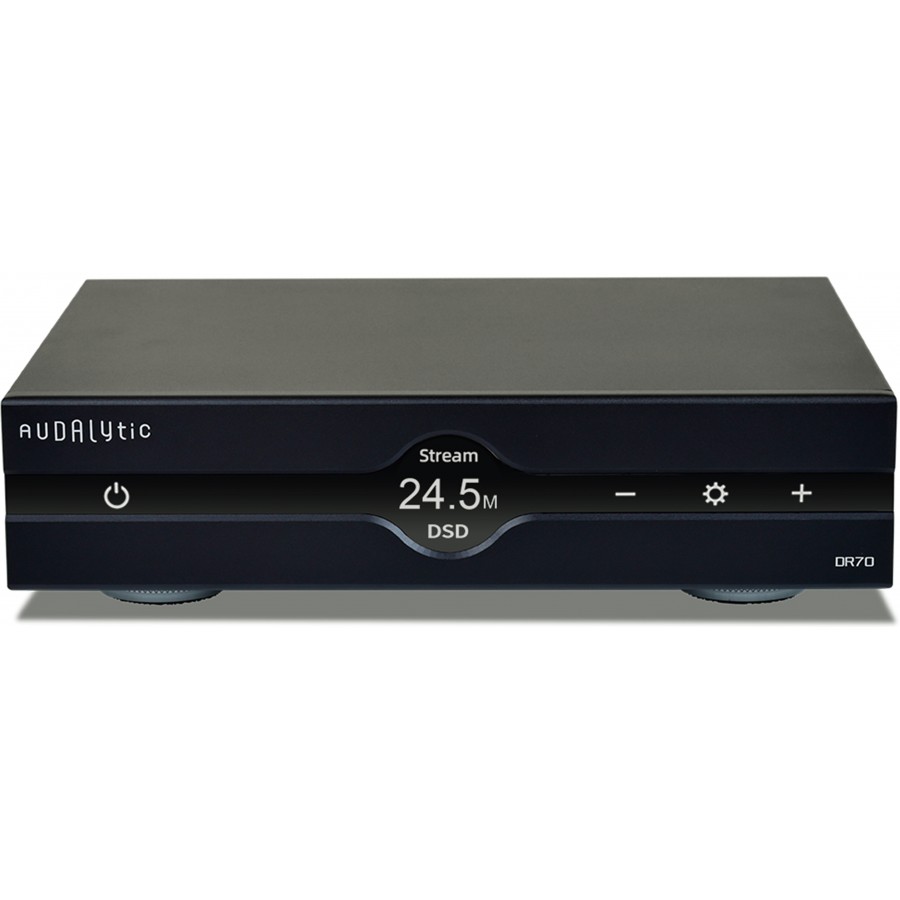
audalytic-dr70-black

Another interesting thing to note is that it’s not just the digital-to-analog converter chip itself that matters. You might be surprised by how much the overall quality of a DAC also depends on the power supply and the output stage. Two different manufacturers can use exactly the same DAC chip, yet due to different design and construction choices, the resulting DACs can vary greatly in quality. So keep in mind that it’s not only about the chip itself, but about the overall components and parts that go into the DAC—this is what truly sets it apart from the rest.

By now, we have a general understanding of what a DAC is, how it works, and what it does. Depending on your high-end audio system, or how you prefer to listen to music, the type of DAC you need will vary. In the next blog, we’ll take a closer look at the DAC itself and explore it in more detail.

Keep an eye on our HiFiMastery website for more news about DACs, as well as headphone amplifiers and portable players. We publish a new blog every few weeks to keep you informed.


Frequently Asked Questions about DACs

What is a DAC?
A DAC (Digital-to-Analog Converter) converts digital audio signals into analog sound that can be played through speakers or headphones.

Do I need an external DAC?
An external DAC can significantly improve sound quality compared to the built-in audio chips found in computers, TVs, and smartphones.

Which inputs should a DAC have?
Common DAC inputs include USB for computers, optical and coaxial for TVs or CD players, and sometimes Bluetooth for wireless streaming.

Does a DAC improve headphone sound?
Yes, a quality DAC can deliver cleaner, more detailed audio to headphone amplifiers or integrated headphone outputs.

What audio formats should a DAC support?
A good DAC should support high-resolution PCM and, if needed, DSD formats for optimal playback of lossless music files.

Leave a Reply

Your email address will not be published. Required fields are marked *